
Biology
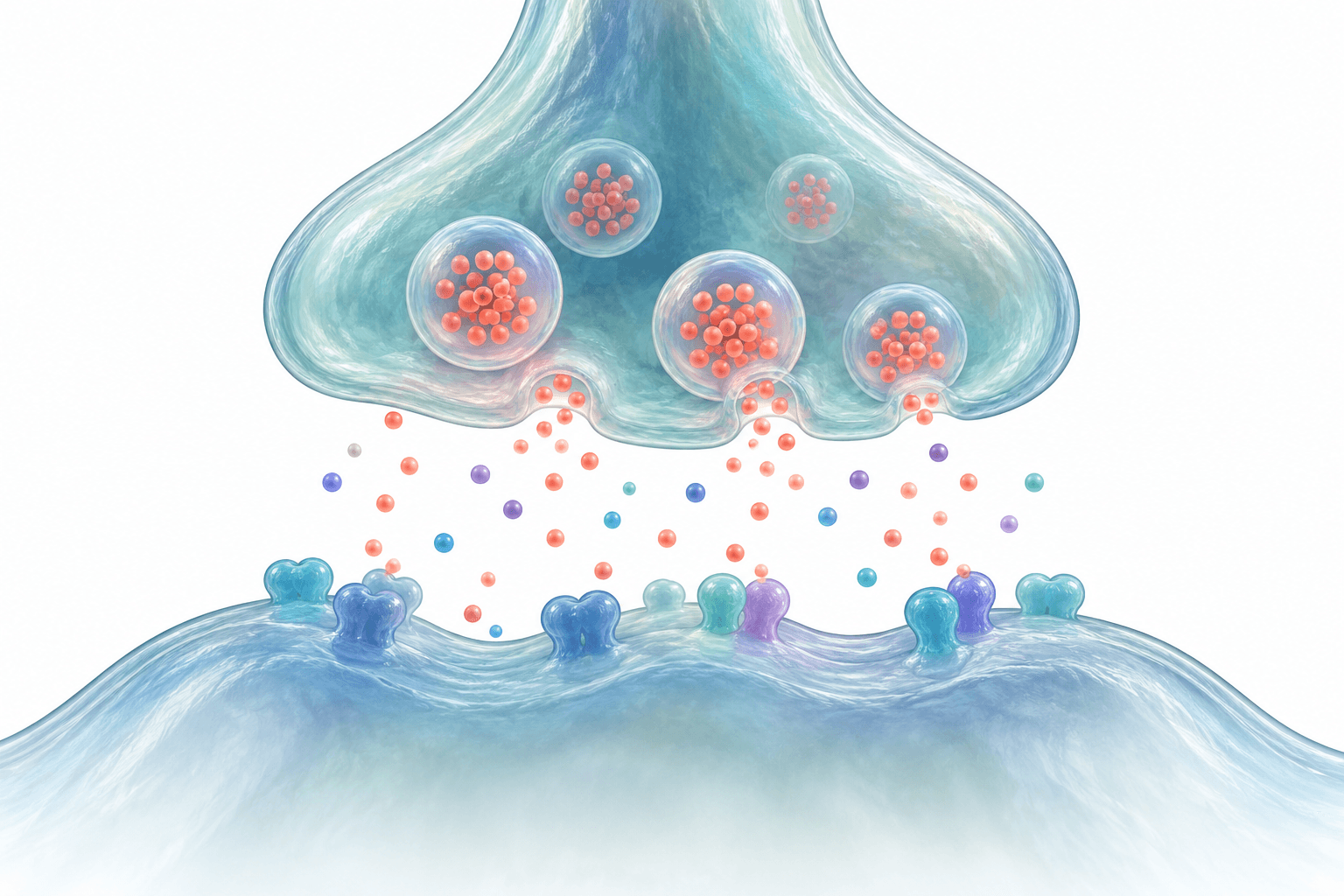
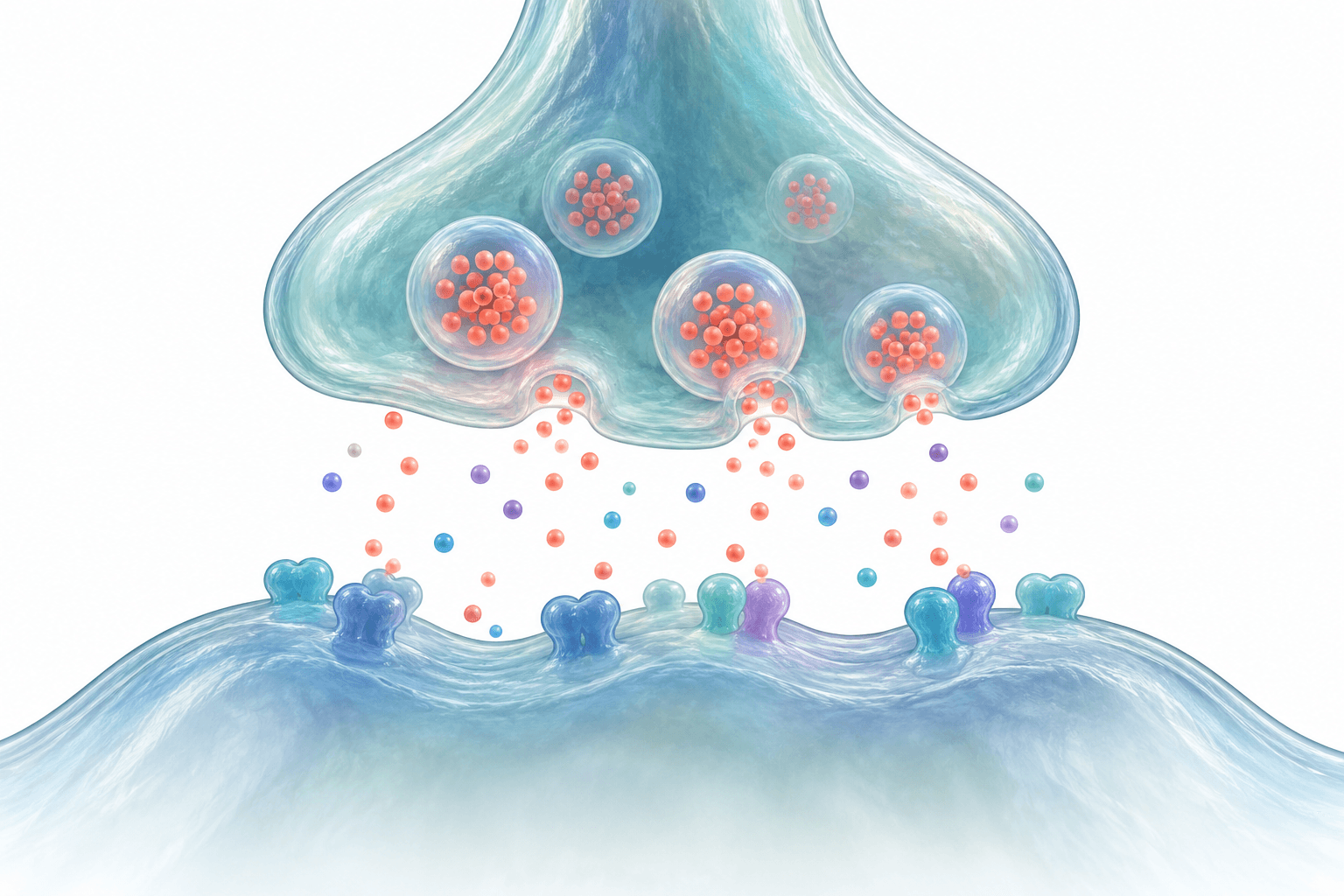
Neural synapse
Opposing membranes, vesicle-like forms and a clear visual hierarchy.
From a research idea to a visual draft.
Refine the labels. Shape the story. Make it yours.
Currently in development · AI-generated figures require scientific review
BUILT AROUND YOUR RESEARCH
From life sciences to materials research. Bring your source material,
choose a visual direction, and shape a figure around your work.
REAL WORKFLOW EXAMPLES
Recorded result / 01
A ligand–receptor concept with source-defined labels.
First generated concept, before guided editing.
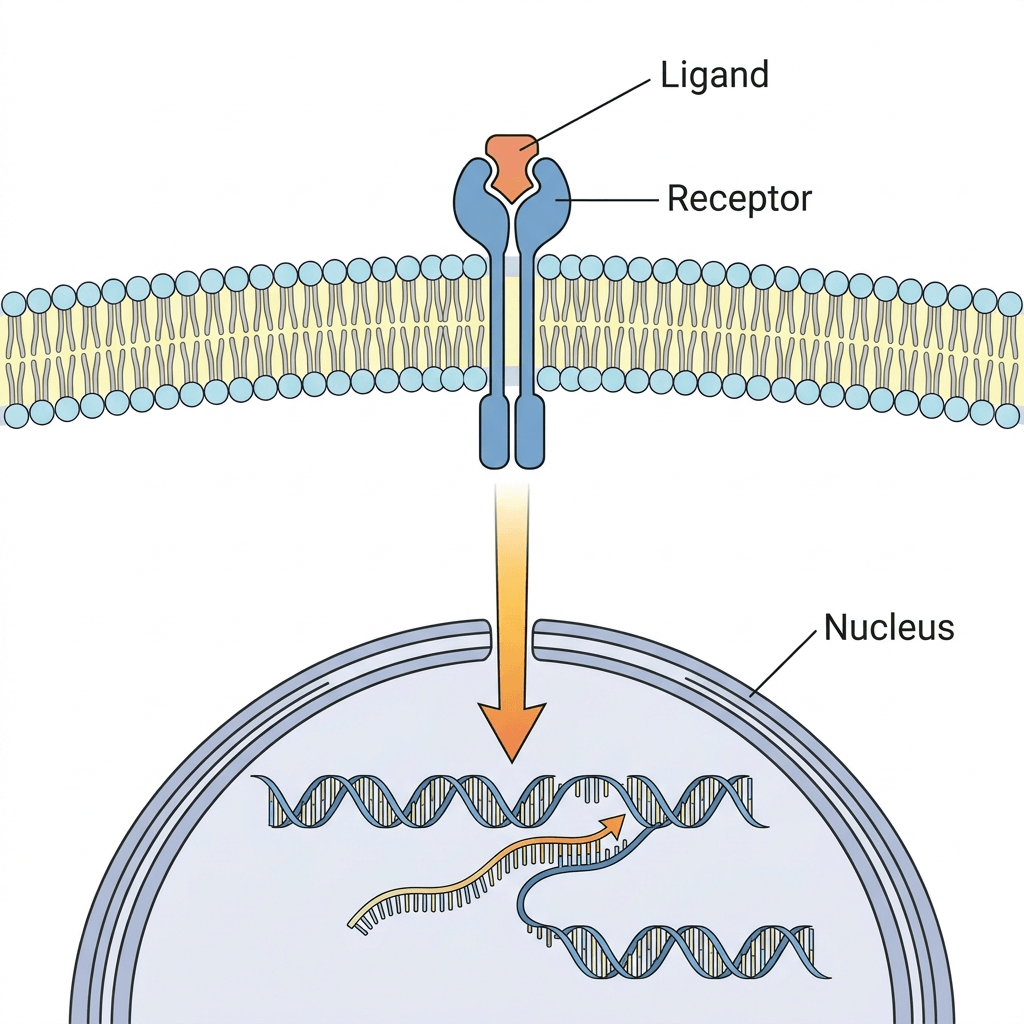
Recorded conceptual examples. Review all scientific details and surrounding pixels before use.
THE CONCEPT GALLERY
Detailed structures, clean schematics and ideas across disciplines. Open an image to inspect it, or use its example prompt as a starting point.
Opposing membranes, vesicle-like forms and a clear visual hierarchy.
A dimensional cutaway with a focused structural detail.
An editorial progression from a rough sketch to a refined visual.
Flat and dimensional visual styles applied to the same concept.
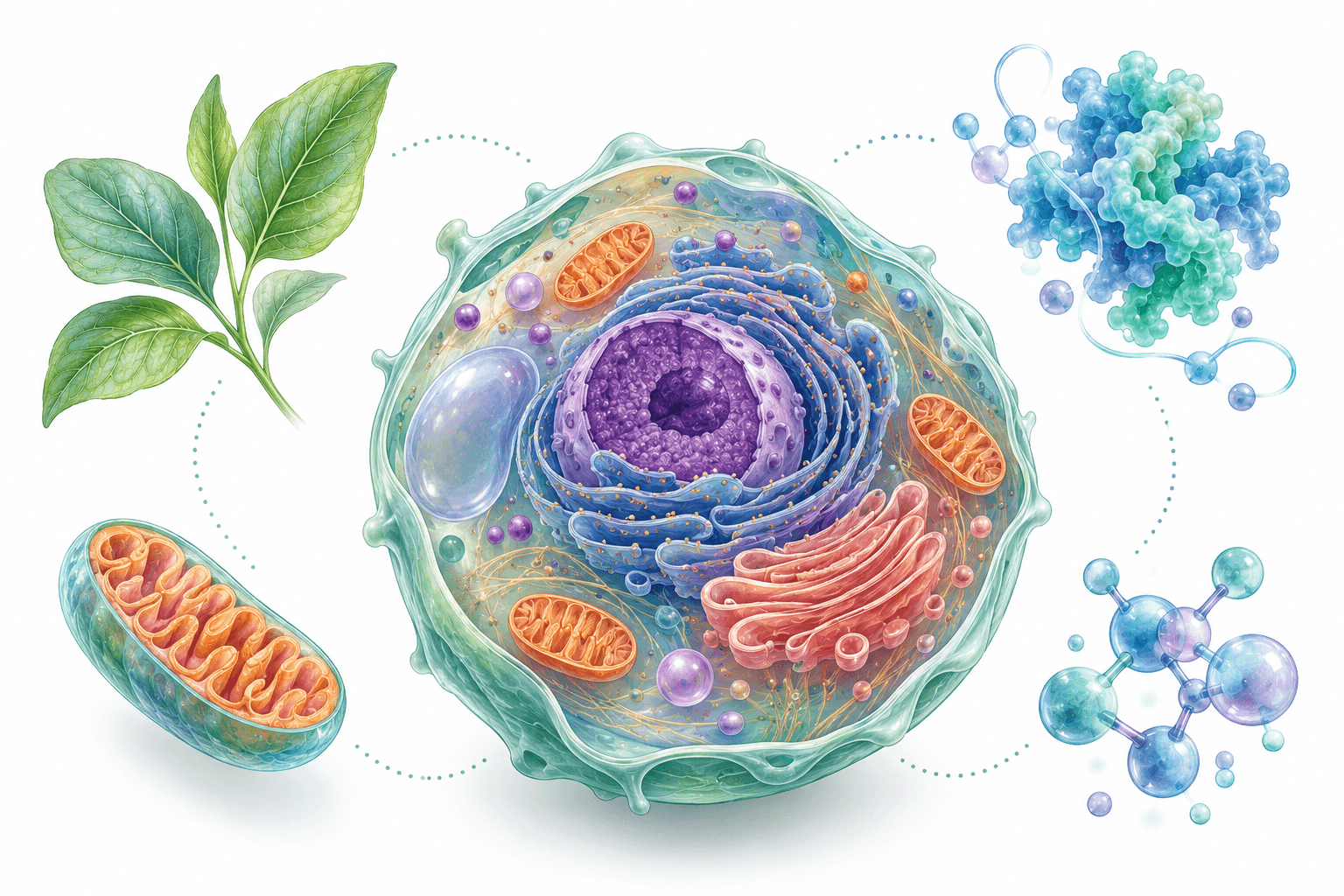
A leaf, a cell concept and abstract molecular-looking forms.
A central cell with smaller supporting visual vignettes.
A conceptual porous structure with a layered cutaway.
A translucent device concept with channels and a detail inset.
A scaffold, a cutaway and surface detail in one landscape composition.
A crisp flat illustration with restrained scientific colour.
A monochrome drawing with delicate structural linework.
A larger neural concept supported by smaller detail vignettes.
Original concept artwork for visual inspiration. These samples are not validated research figures or ResearchFig provider benchmark results.
DESIGNED AROUND YOUR RESEARCH
Scientific figures and graphical abstracts, from your first idea to your final annotations.
Turn the structures and relationships in your research into a visual draft. Start with a description, a rough sketch, or a reference image.
Structures · mechanisms · visual concepts Your label
Independent concept artwork · animation illustrates the workflow, not a live generation.
START WITH THE FIGURE YOU NEED
Choose a composition, add the science you want to show, then take the brief into the studio. Each starting point asks different questions.
Check every connection and arrow direction against your source. A layout choice cannot validate a mechanism.
Independent concept artwork · not an ResearchFig generation resultTHE WORKFLOW
Start with what you know. Shape the visual. Keep the details under your control.
A conceptual neural synapse with opposing membranes and vesicle-like forms. White background, room for labels.
Your research descriptionIndependent concept artwork · workflow demonstration, not a live generation.
THE DETAILS MATTER
Explore flat, dimensional and ink references for the style you describe in your drawing brief.
 Flat illustration
 Dimensional illustration
 Ink line art
Edit and move the text and arrows you add. Your scientific wording stays separate from the underlying artwork.
Download an image for your manuscript, or keep working with separate annotation objects in SVG and PowerPoint.
Explore the figure studio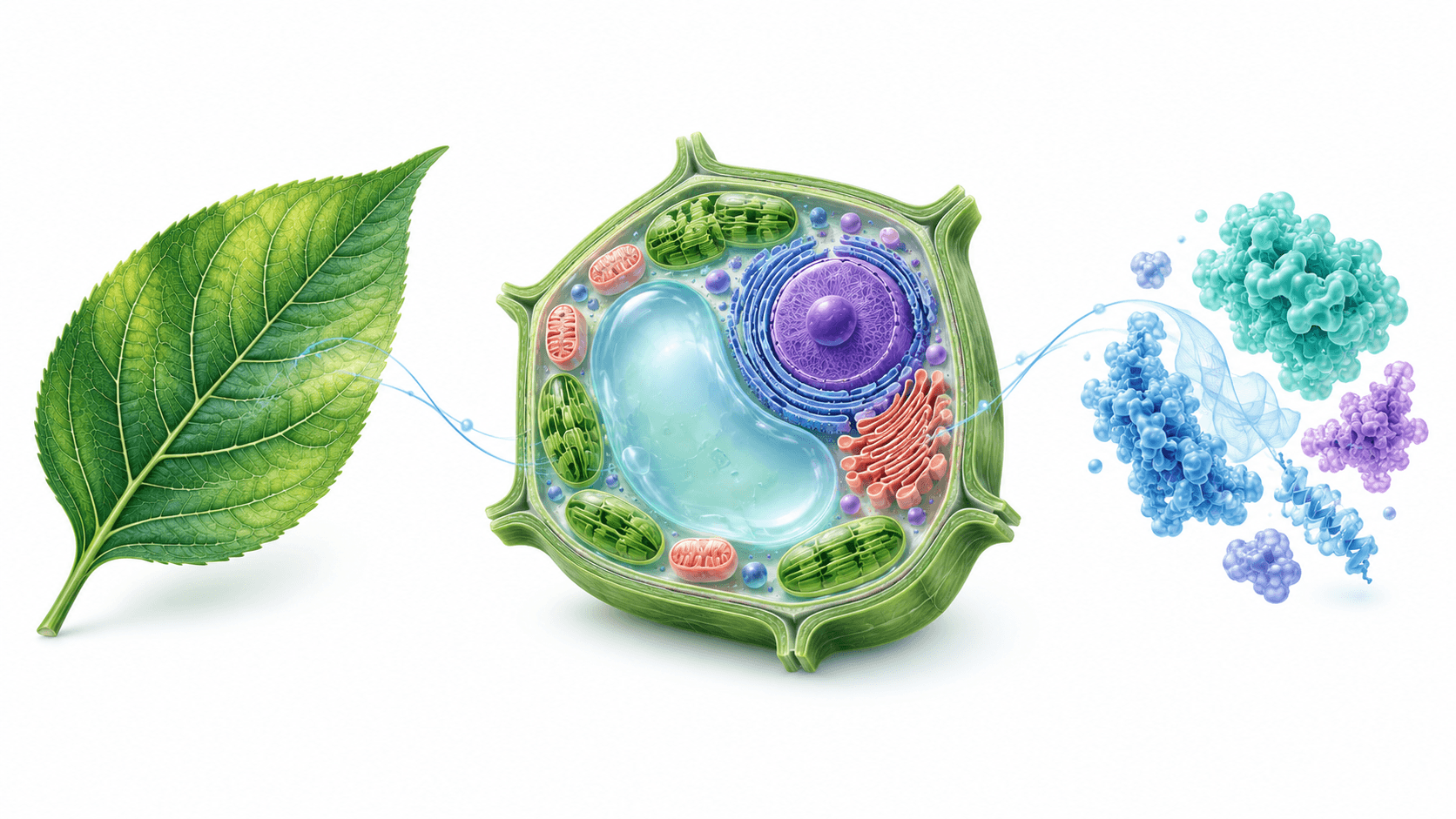
Visual demonstrations use independent concept artwork. AI artwork remains raster; added text and arrows are separate objects.
TWO STARTING POINTS. ONE STUDIO.
A focused workflow for scientific illustrations and graphical abstracts.
MECHANISMS & ILLUSTRATIONS
Visualize a mechanism, structure or scientific concept. Start from your description or a reference, then add the labels and arrows your story needs.
Explore the toolVISUAL RESEARCH SUMMARIES
Bring your study into a single landscape summary. Set the central message, arrange a clear visual flow and refine the supporting annotations.
Explore the toolA STUDIO FOR YOUR SCIENCE
ResearchFig is an AI scientific figure maker for authors who want to turn a research idea into a clear visual starting point. Bring a written description or a reference image, generate a concept, then work on the labels and arrows in the same studio.
Use it for mechanism illustrations and graphical abstracts. Your research remains the source of the scientific content, and your review is part of the process.
A written description and an optional PNG or JPG reference.
Separate labels and arrows; region edits with a mask-capable provider.
PNG, JPG, SVG and PPTX, with honest raster and annotation layers.
RESEARCH MOVES IN FIGURES
Different moments in a research project. The same need for a clear visual.
You know the mechanism. You need a visual way to explain it before refining the final figure with your co-authors.
A figure for the paperYou have a central message and a few key stages. You want the reader to see how they fit together at a glance.
A visual summary of the studyYou want to annotate an illustration and keep the added text editable when the discussion moves to PowerPoint.
A starting point for the next discussionKNOW YOUR LAYERS
Clear boundaries make it easier to choose the right next step.
| Part of your figure | In the studio | In SVG / PPTX |
|---|---|---|
| AI-generated illustration | Raster artwork; request a guided AI edit | Embedded bitmap |
| Text labels you add | Edit, move, lock or remove | Separate text objects |
| Arrows you add | Move and adjust endpoints | Separate annotation objects |
| Scientific correctness | Review against your sources | Your review remains essential |
BEFORE YOU EXPORT
 PIXELS & PRINT SIZE
Pixel dimensions and final print width determine effective resolution. Check the actual exported image at its intended size, then compare it with the specific journal’s instructions.
Check figure resolution LABELS & HIERARCHY
Keep the key message easy to find. Review spelling, abbreviations, line weights and arrow direction at the size your reader will see—not only on a zoomed-in canvas.
Refine in the studio SCIENTIFIC REVIEW
Check every structure and relationship against your research. Keep missing details unknown. An attractive illustration does not establish a mechanism or validate a result.
Read privacy & integrityROOM FOR YOUR NEXT IDEA
A focused workspace for the figures behind your next paper.
Development stage · Production checkout remains restricted
$79.20 first year, then $99/yr
For an occasional figure and a fresh visual direction.
Models in the ResearchFig workspace
AI artwork remains a bitmap. Added labels and arrows are separate editable objects.
$115.20 first year, then $144/yr
For researchers shaping the next paper.
Models in the ResearchFig workspace
AI artwork remains a bitmap. Added labels and arrows are separate editable objects.
$192 first year, then $240/yr
For frequent figures and more room to explore.
Models in the ResearchFig workspace
AI artwork remains a bitmap. Added labels and arrows are separate editable objects.
Monthly and yearly plans renew automatically. One-time packs do not. Your checkout shows the full amount before payment.
Model availability depends on provider configuration; generated content requires scientific review.
QUESTIONS, ANSWERED
What you can do, what to review, and how the current studio works.
The two starting points are scientific figures and mechanism illustrations, and landscape graphical abstracts. Describe the subject and the relationships you want to show, then refine the visual in the shared studio.
Yes. Use a PNG or JPG reference together with your written description. The reference is sent to the configured image provider when you generate. Paper PDF reading is not available in the current studio.
With a model that supports area editing, you can guide an AI edit with a painted mask and instructions, then compare and accept or discard the result. A mask guides the model; it does not guarantee that nearby pixels stay unchanged.
The generated illustration is a bitmap. SVG and PPTX exports embed that bitmap and keep your added labels and arrows as separate objects. ResearchFig does not automatically turn an AI illustration into fully editable vector artwork.
Treat the figure as a draft, not as evidence. Review every label, structure and relationship against your own sources. Do not use generated artwork to invent results, microscopy, citations or missing scientific details.
Sign in and link your work to a project to save the image, annotations and versions privately. Without a linked project, the generated image remains in your browser. Prompts and references are sent to the configured provider when you generate; see the privacy page for current retention and handling details.
ResearchFig is still in development. Production generation and checkout are restricted while provider quality, costs and payment operations are validated. The pricing page shows the configuration available to your account.
FROM THE IDEA TO THE FIGURE
Bring the science. Find the visual direction.
Start in the figure studio Currently in development · Scientific review required FLUX
 Seedream
 GPT